Simple Rest-API With Login System, Built using MongoDB, Express.js, and Node.js
Demo App : https://zekais-restapi.herokuapp.com/
Rest-Api : https://zekais-api.herokuapp.com/
Requirements
> git clone https://github.com/fawwaz37/nodejs-restapi.git
> cd nodejs-restapi
Use code . to open file in VS Code
> code .Edit the required value in folder lib file settings.js.
module.exports = {
    port: '5000',
    limitCount: 0,
    recaptcha_key_1: '',
    recaptcha_key_2: '',
    // ex Mongodb Atlas : mongodb+srv:/xxx
    dbURI: ''
};port: PORT localhost.
recaptcha_key_1: reCaptcha Key.
recaptcha_key_2: reCaptcha Key.
dbURI: Connection String MongoDb.
Contact Me (WhatsApp) How to get Recaptcha Key
- # Mongodb
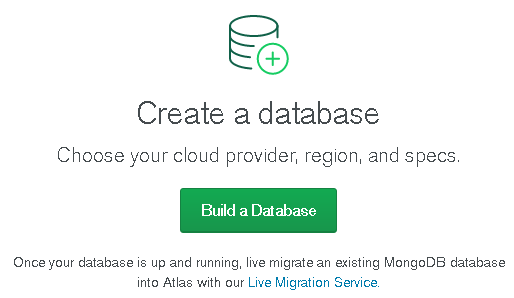
- Create a Database.
- Create Free Cluster.
- Choose Cloud Provider & Region, Create Cluster.
- Select
Connect. - Add a Connection IP Address.

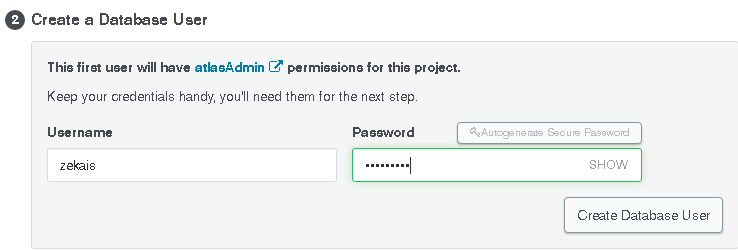
- Create a Database User
- Connect Your Application
- Change
<password>with Your Password Database Userstep 7
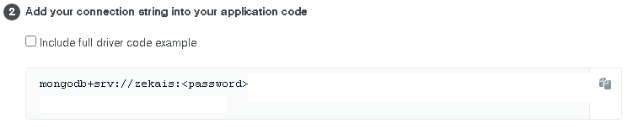
Contact Me (WhatsApp) if You Have Problem with mongodb
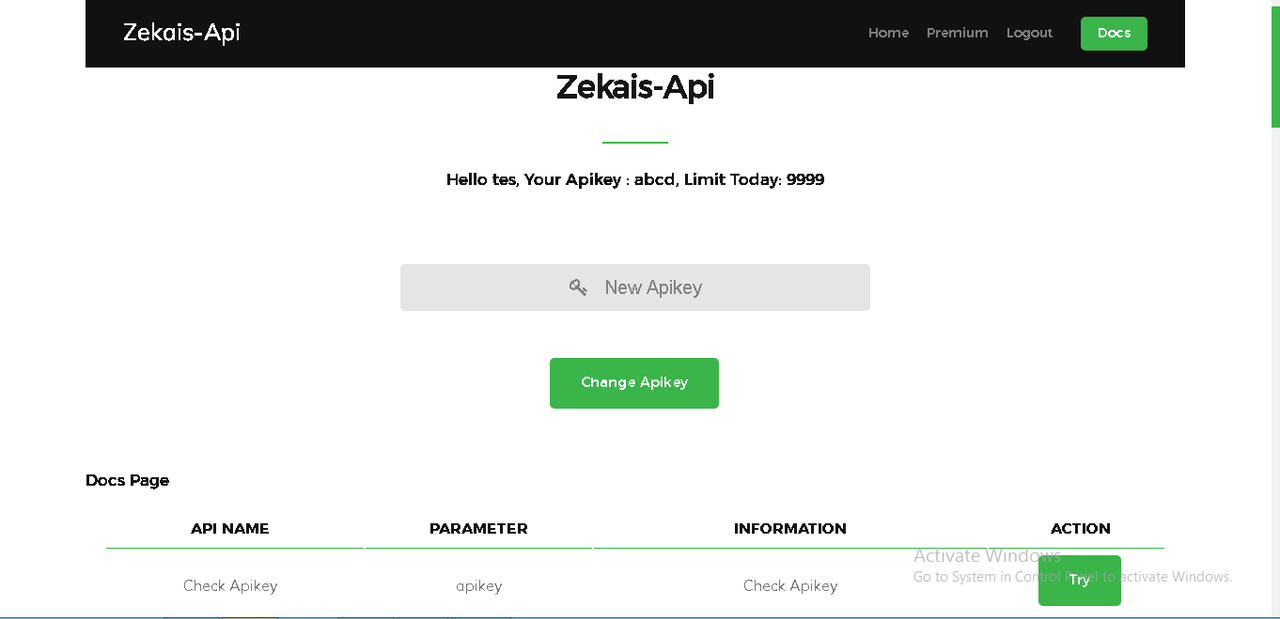
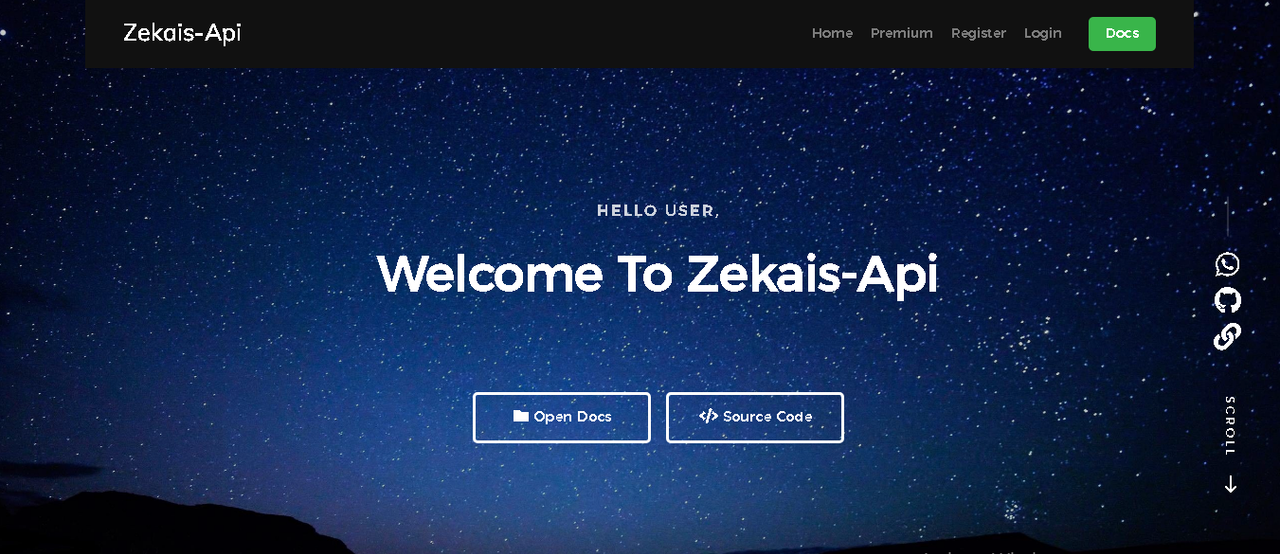
> npm install> npm startThen Browse http://localhost:5000 . You will see the Homepage.
| API | EndPoint | Query |
|---|---|---|
| Youtube MP3 | /ytmp3?url= | url & apikey |
| Youtube MP4 | /ytmp4?url= | url & apikey |
| Youtube Play | /ytplay?query= | query & apikey |
| Random Quotes | /quotes | apikey |
| Random Fakta | /fakta | apikey |
| Random Kata Bijak | /bijak | apikey |
| Random Kata Motivasi | /motivasi | apikey |
| Random Ptl | /ptl | apikey |
| Cak Lontong | /caklontong | apikey |
If you want to unlock Premium Feature, please contact me (WhatsApp)
| Premium | Availability |
|---|---|
| Premium User | ✔️ |
| Expired Premium User | ✔️ |
| Added Premium Apikey | ✔️ |
| Delete Premium Apikey | ✔️ |
| Limit Apikey | ✔️ |
| Custom Limit Apikey | ✔️ |
| Custom Apikey | ✔️ |
| Reset Manual All Limit | ✔️ |
| Reset One Limit Apikey | ✔️ |
| Photooxy | ✔️ |
| Request (Total, Today) | ✔️ |
| Visitor, Total User | ✔️ |
| # Section | ✔️ |
Go to Heroku and Login
Create New App ( App Name For Example : abcd-api)

Install Heroku CLI
Open CMD and Login Heroku
> heroku loginInitialize a git repository in a new or existing directory
> cd nodejs-restapi
> git init
Remote Your App, Use heroku git:remote -a app-name
> heroku git:remote -a abcd-apiCommit your code to the repository and deploy it to Heroku using Git.
> git add .
> git commit -am "make it better"
> git push heroku master
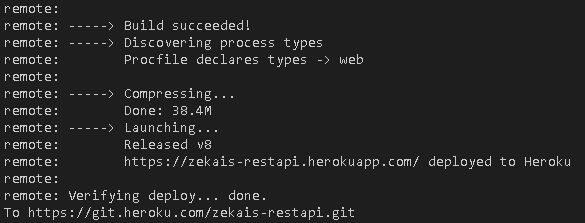
Log Success